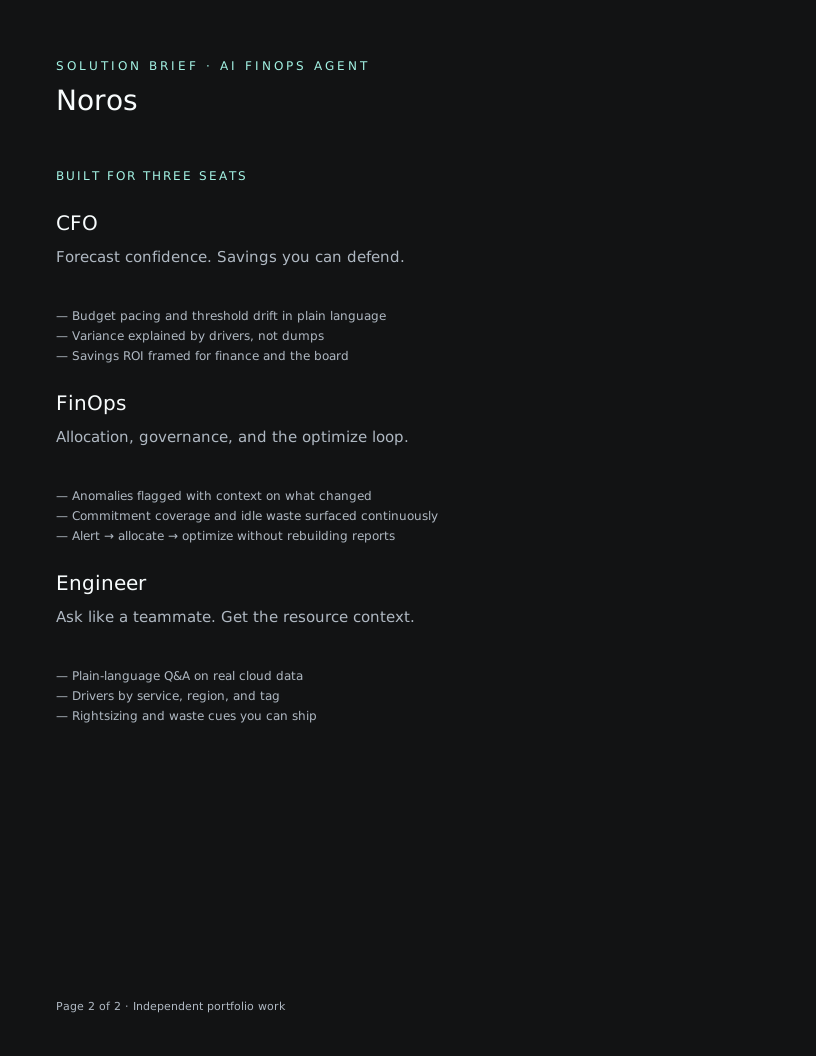
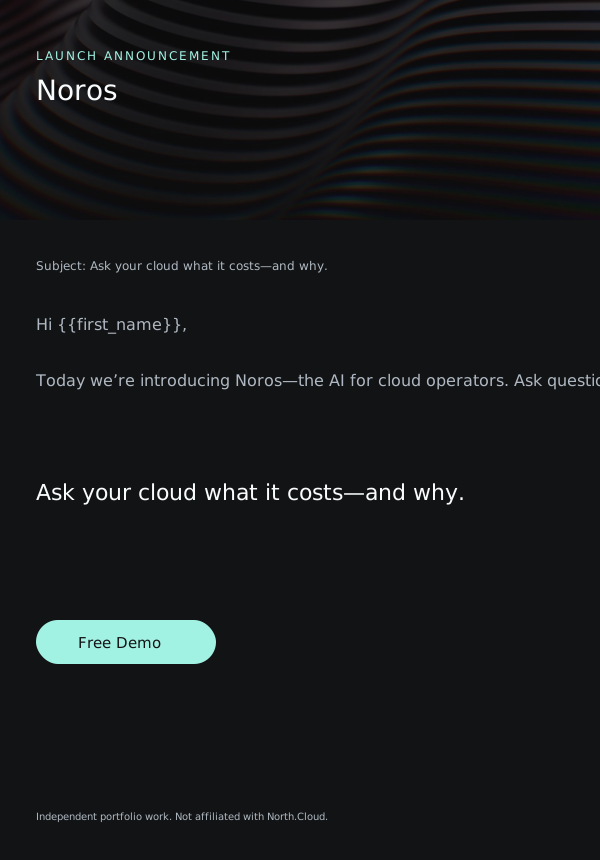
40 export frames · kit assembled
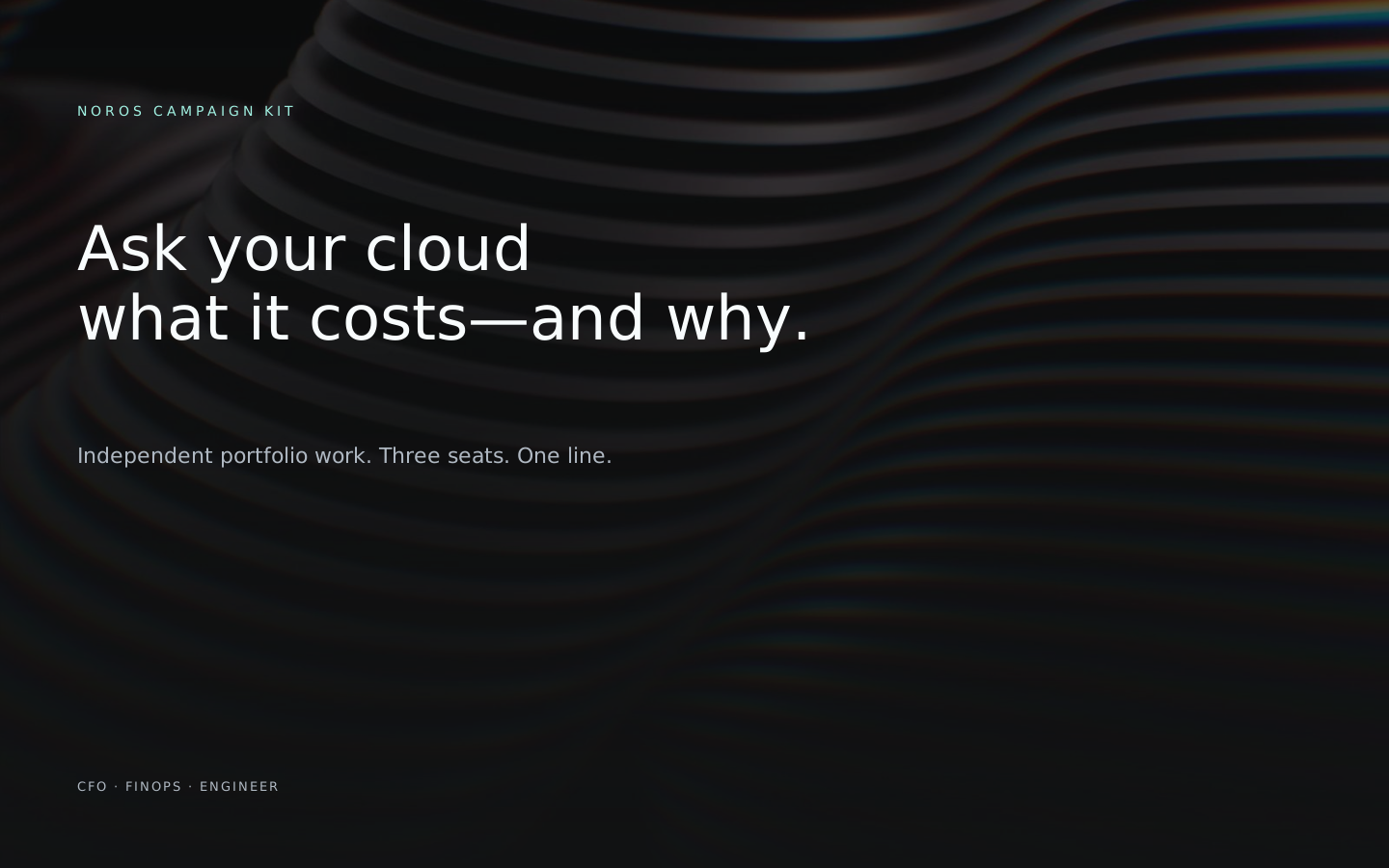
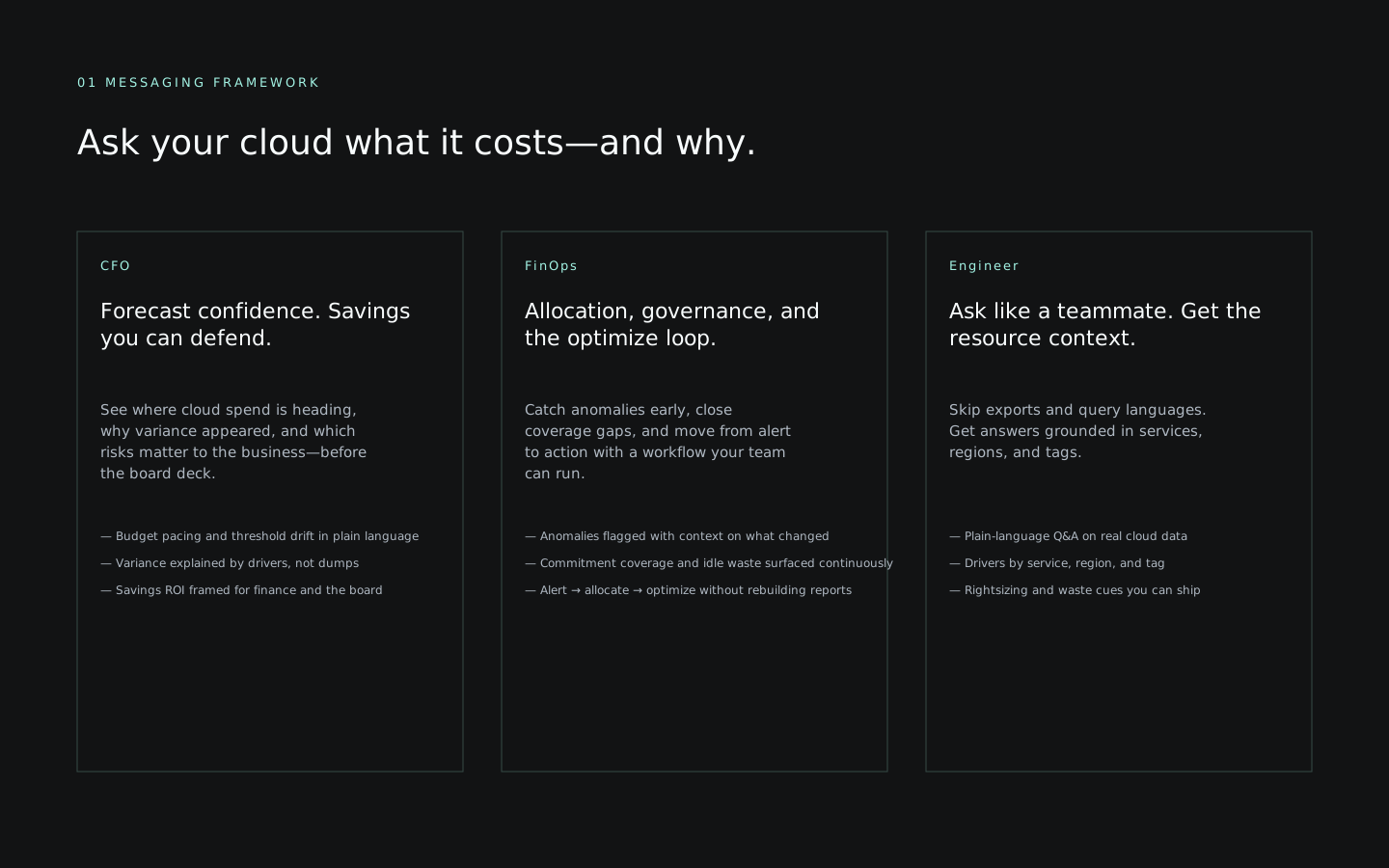
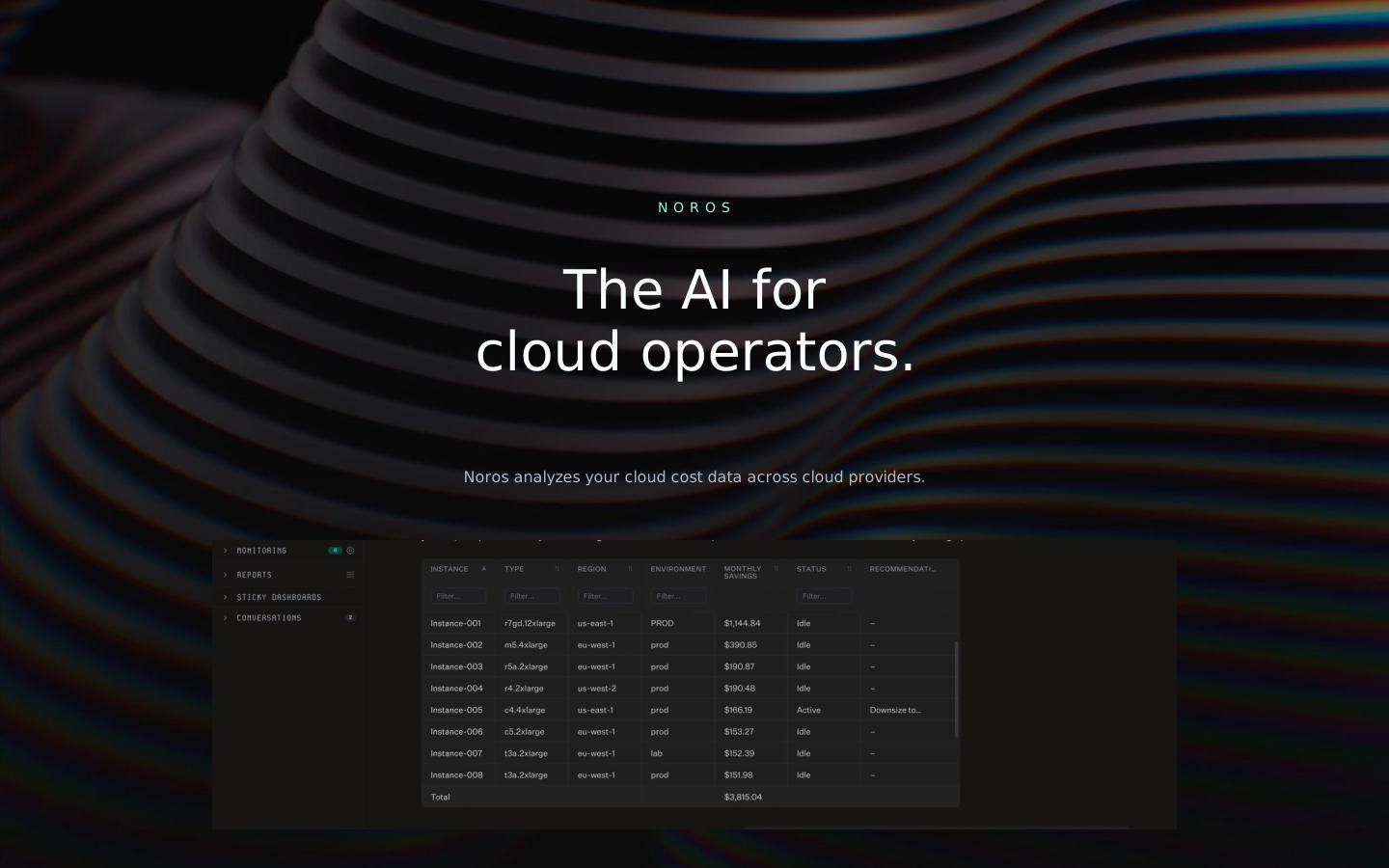
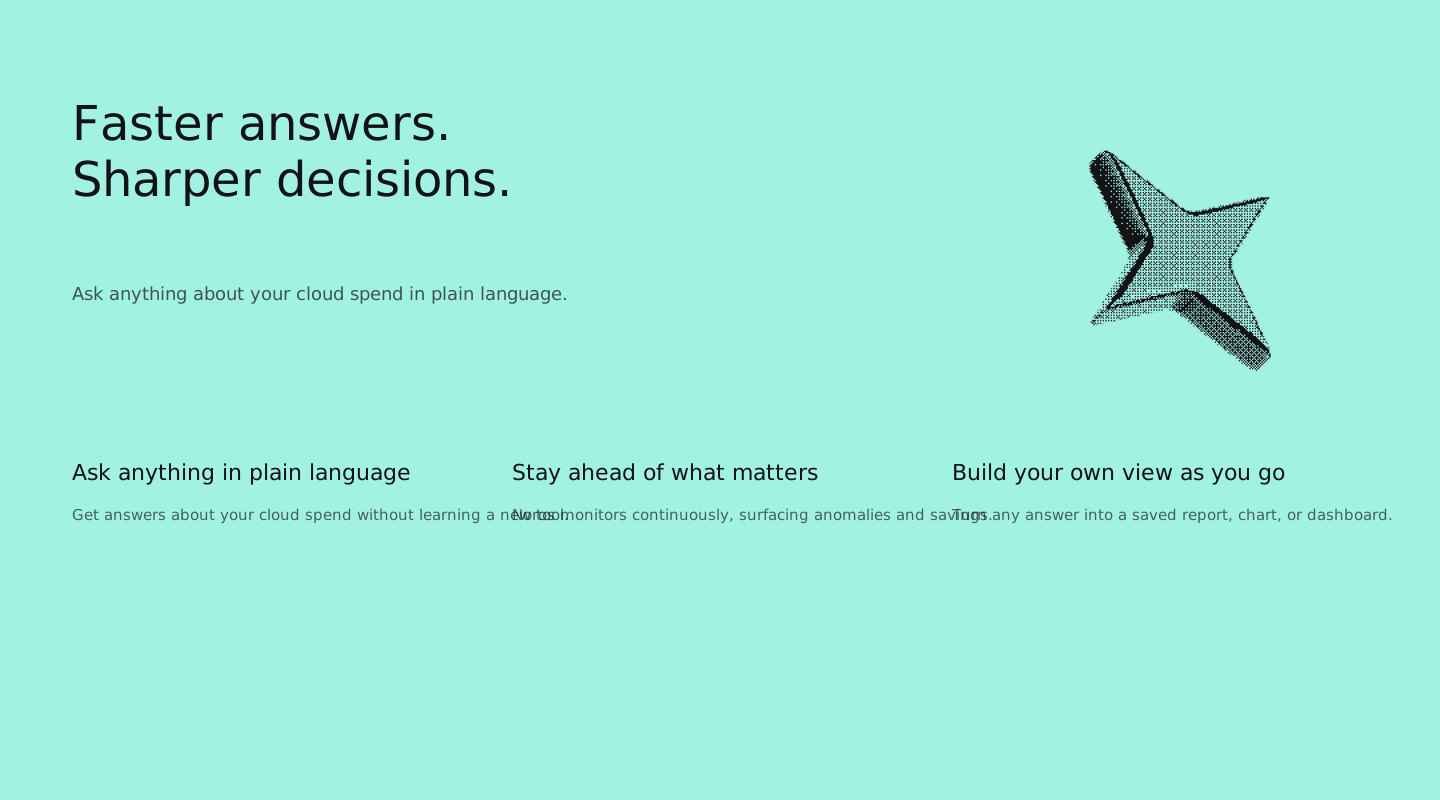
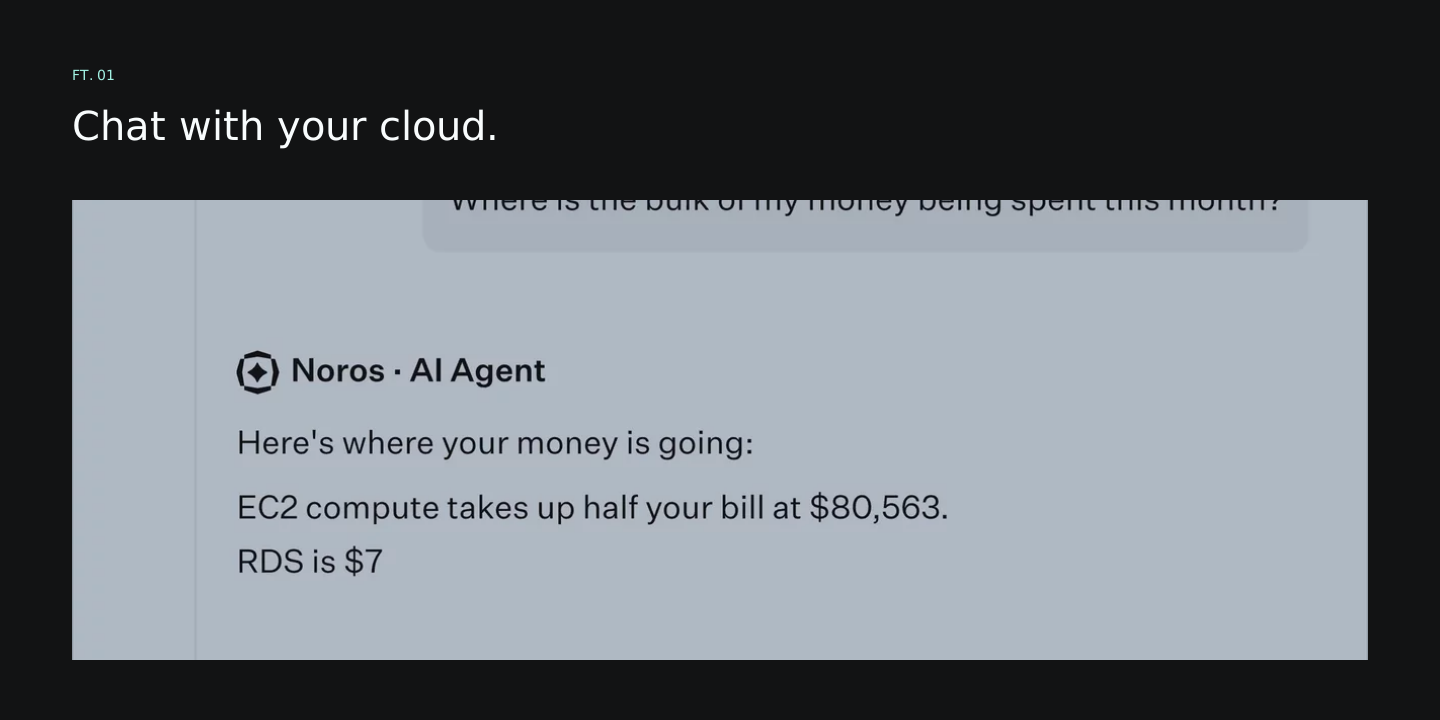
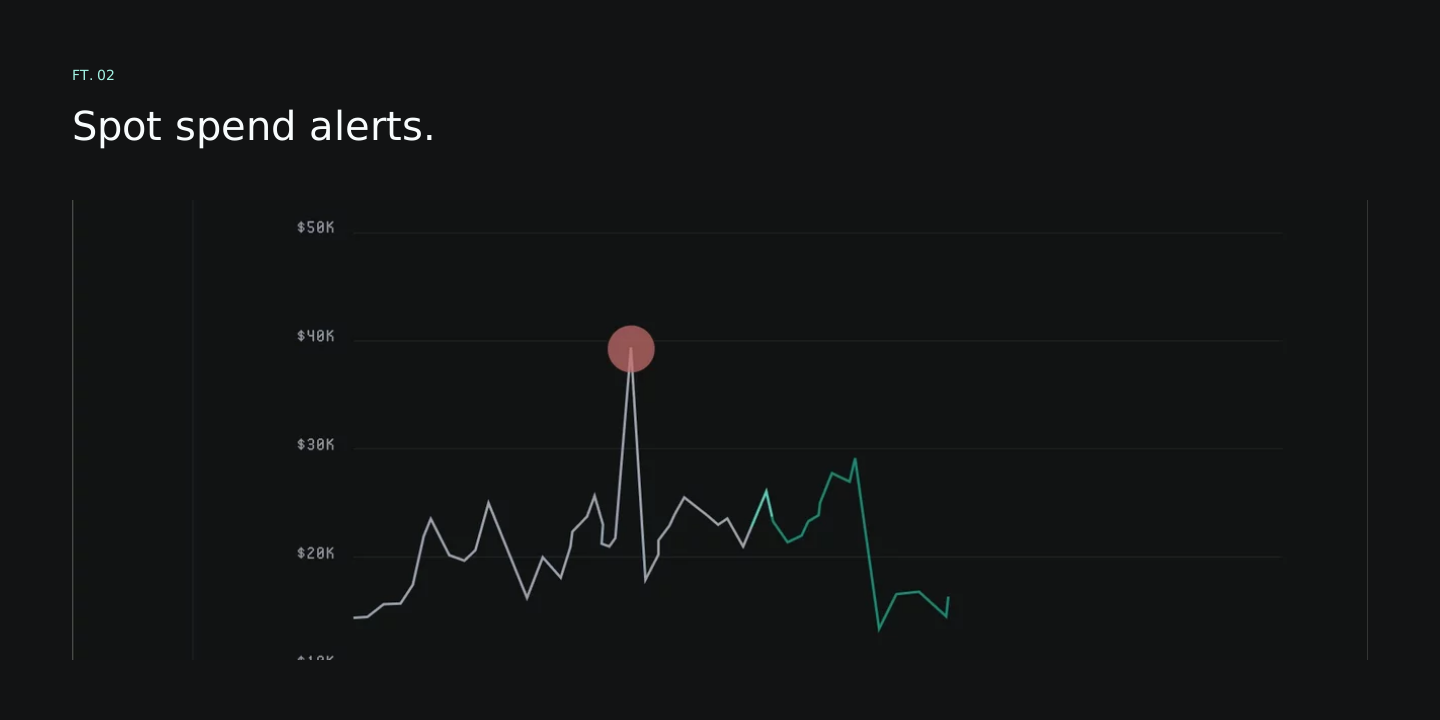
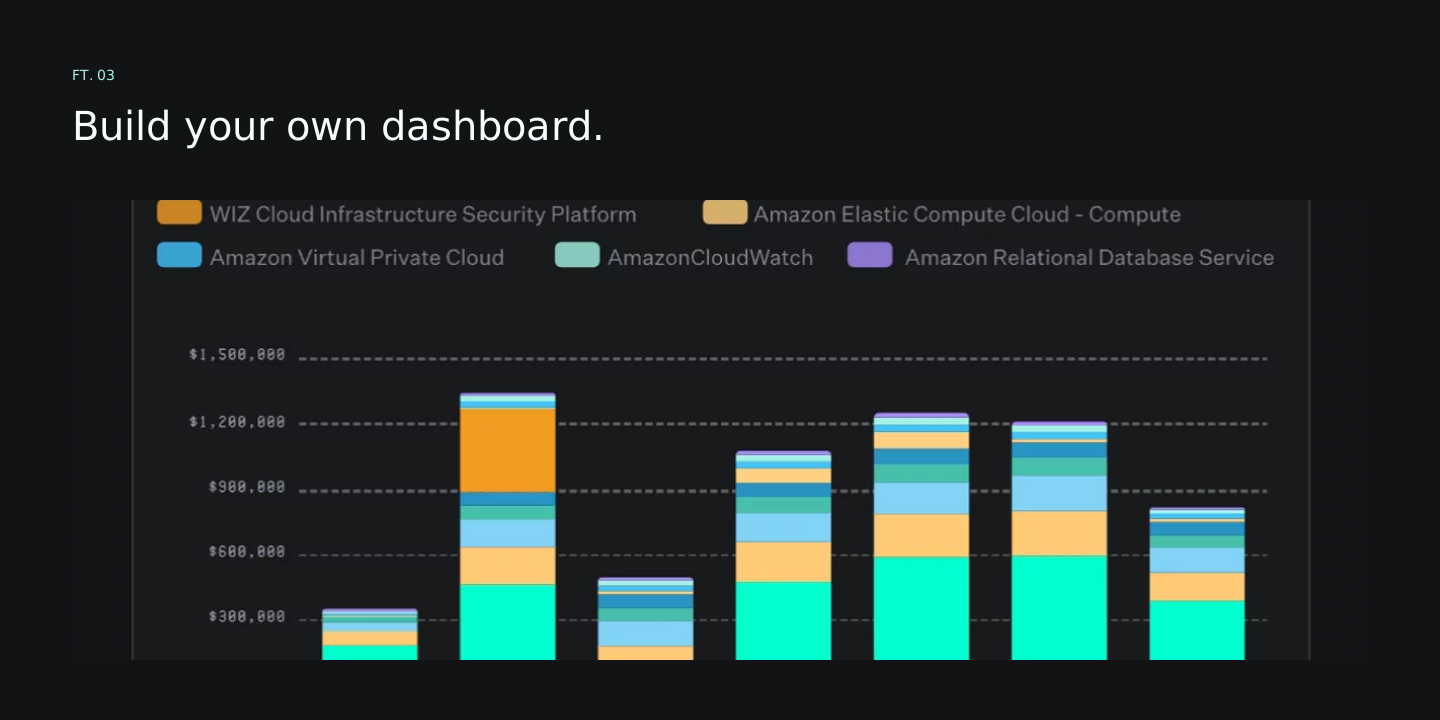
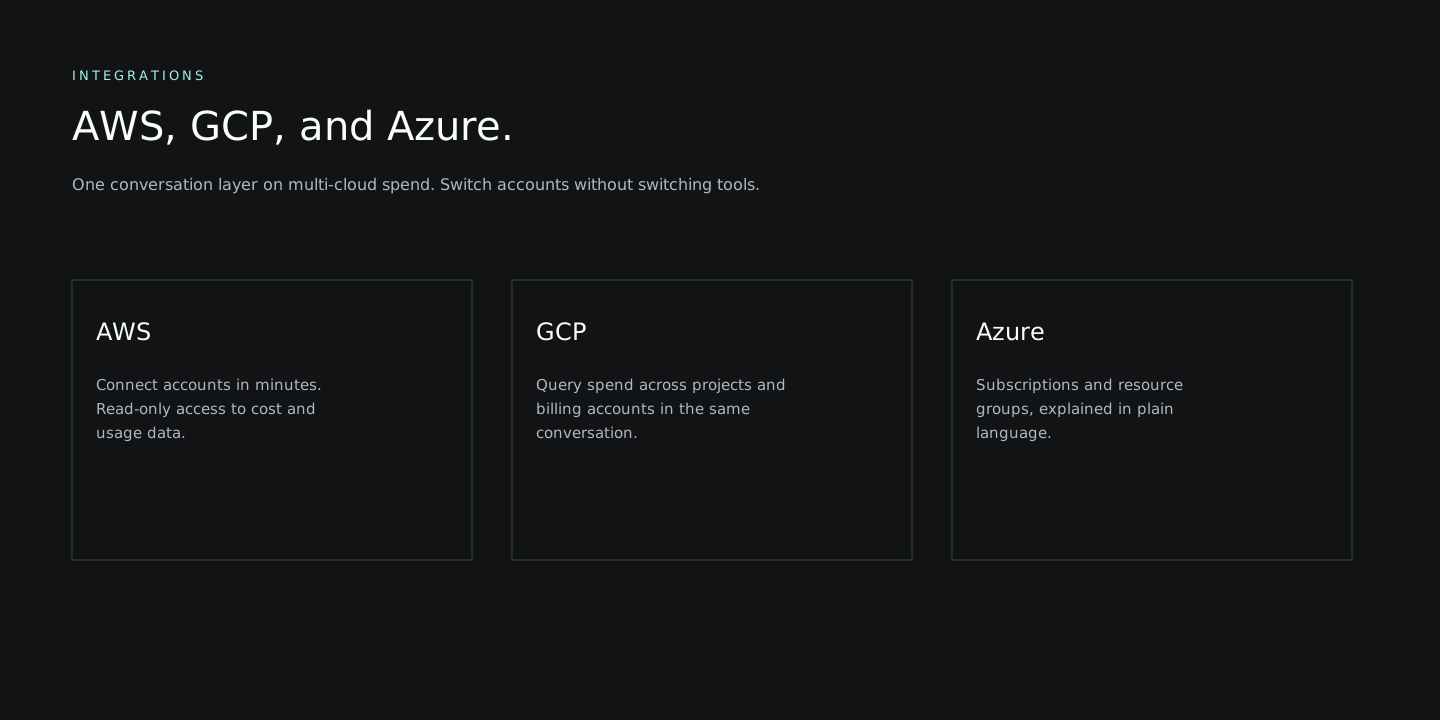
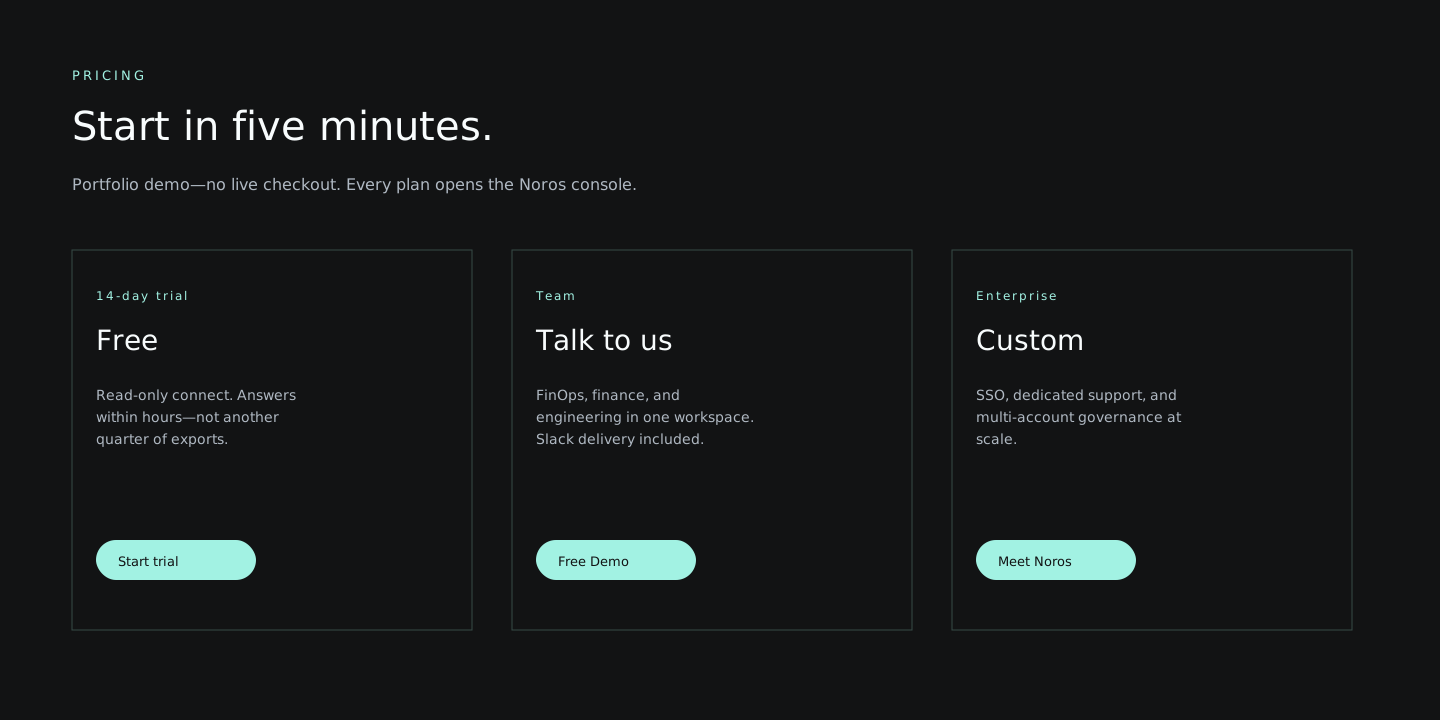
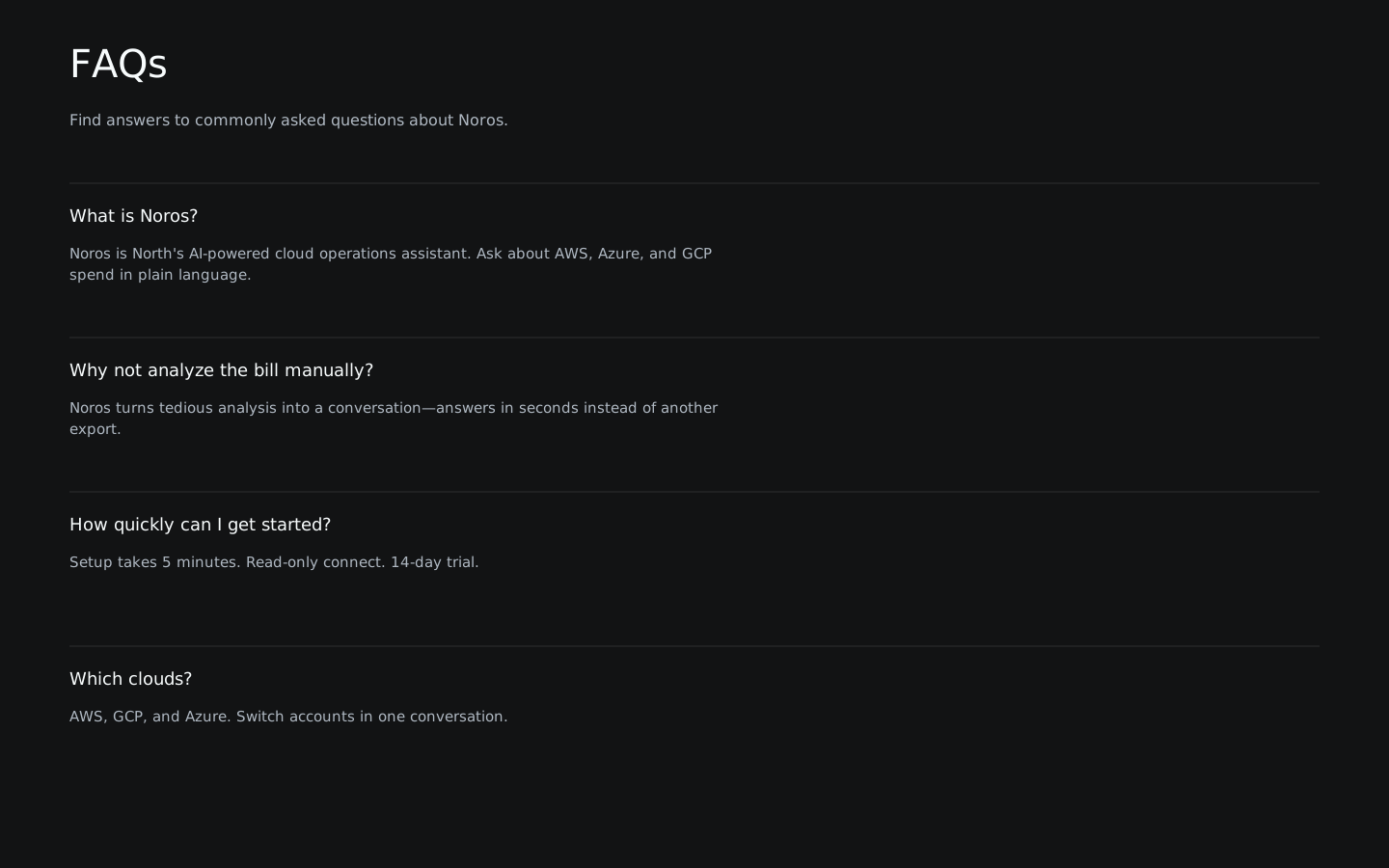
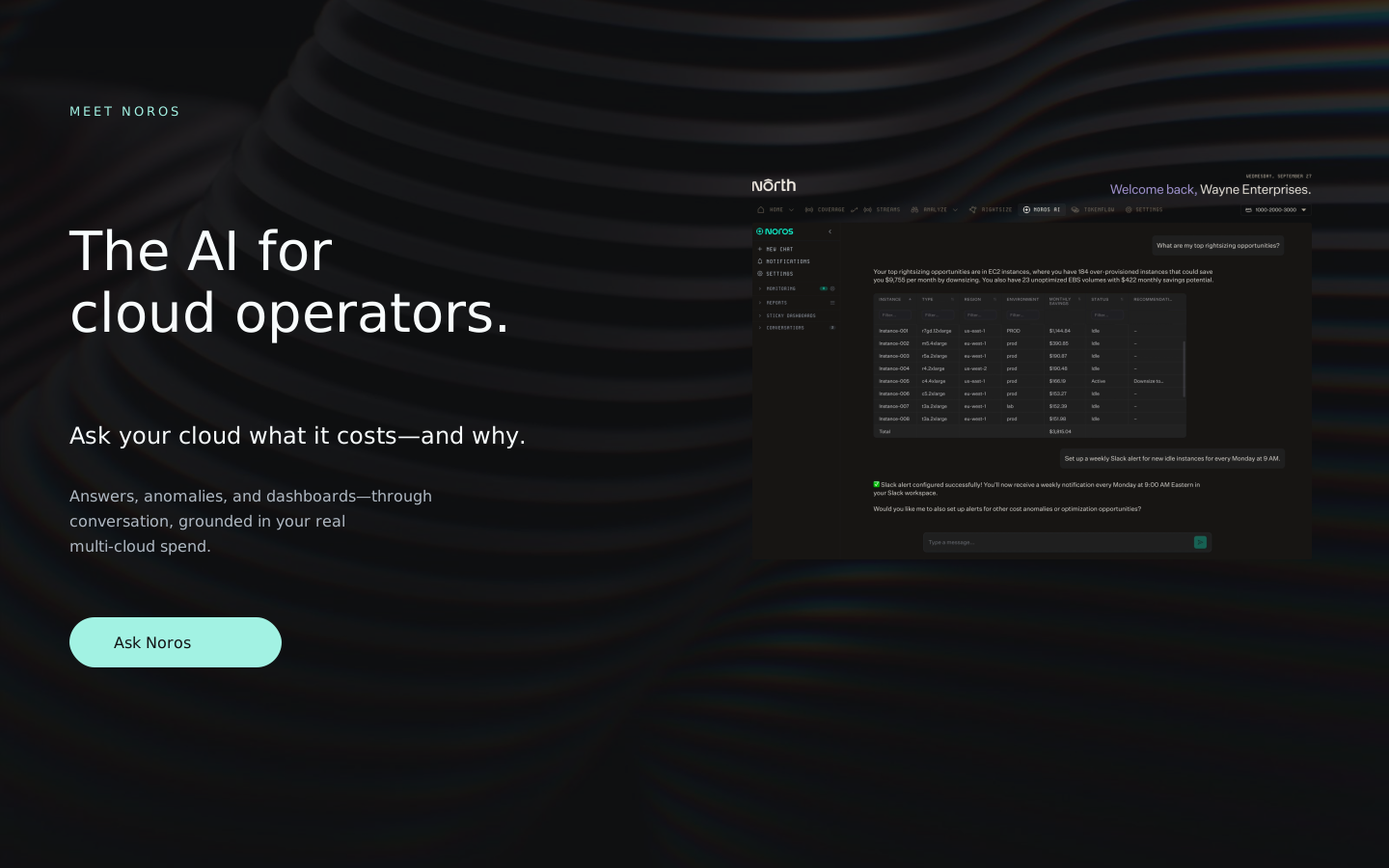
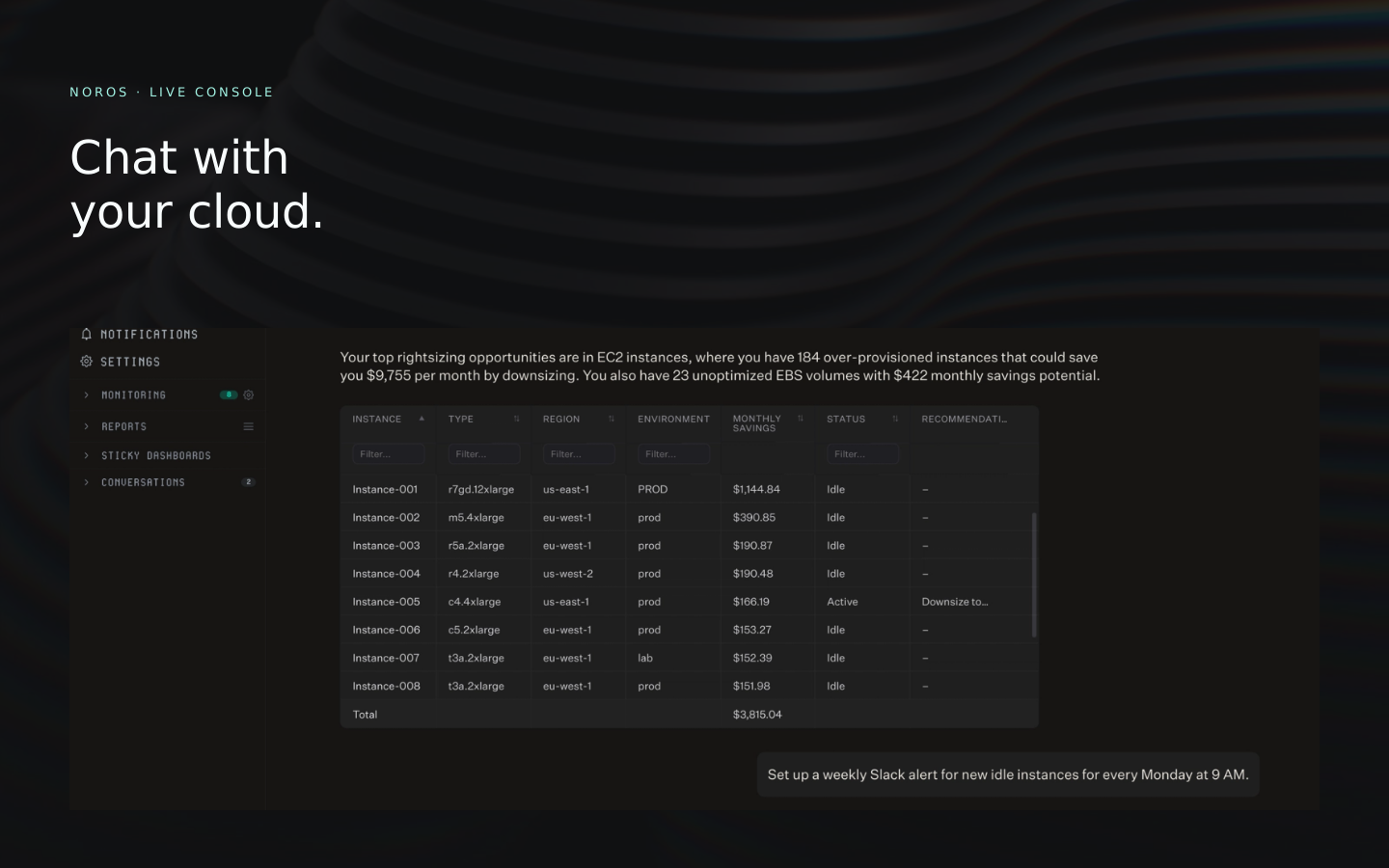
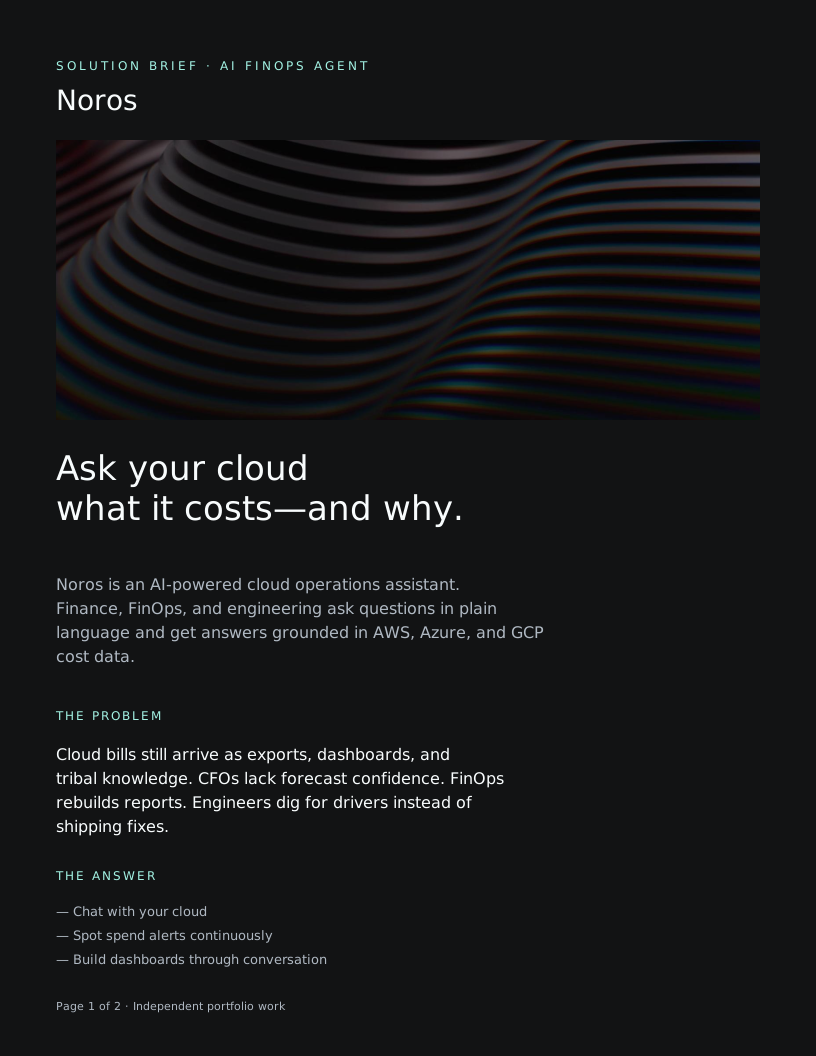
Cover and messaging already live in Noros Campaign Kit — Portfolio. Every other surface is composed at export size below (North black / mint, Untitled Sans + Cygnito Mono). Place them in that file: run figma-plugin/ on the open file, or drag SVGs from public/figma-kit/.
- 1. Open the Figma file. Plugins → Development → Import plugin from manifest → figma-plugin/manifest.json.
- 2. Keep this site running (npm run dev) or use https://noros-campaign.vercel.app after deploy.
- 3. Run “Noros Campaign Kit Import” — it creates Landing, Ads, Carousel, Meet Noros, UI hero, Brief, Email, Event, Storyboard, Launch, Announce, and Role heroes pages.
Independent portfolio work. Not commissioned by or affiliated with North.Cloud or Noros.